
Digital Marketing & Website Design: The Ultimate Guide to Grow Your Digital Presence
September 19, 2025
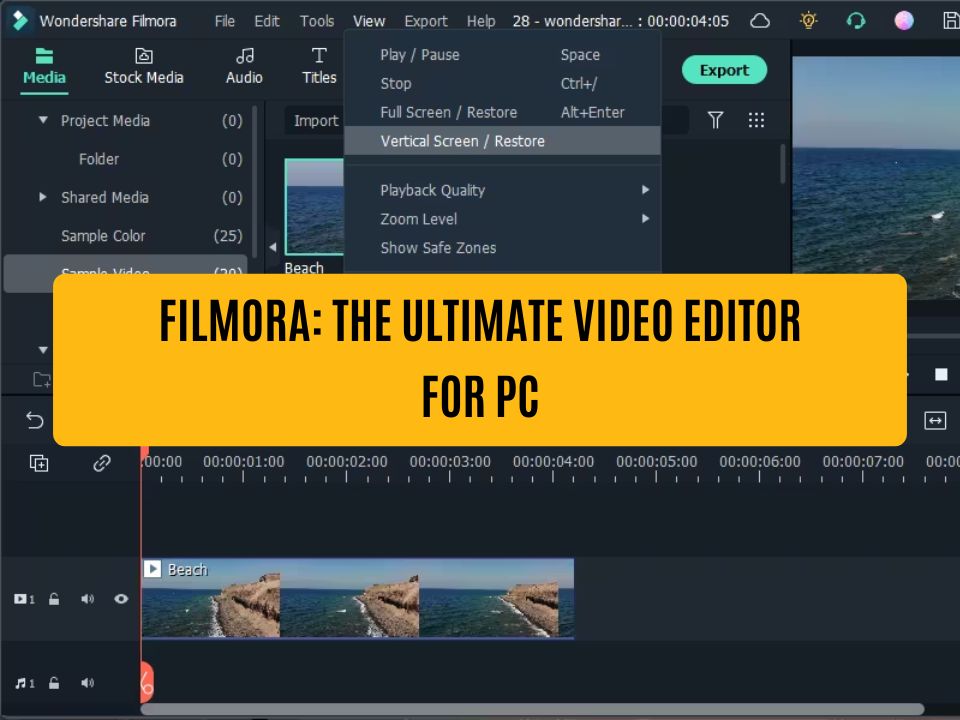
Filmora: The Ultimate Video Editor for PC
September 27, 2025If you’re a creator like me, you know how crucial it is to have the right tools to create a great video. I’ve found myself juggling many roles—from web development to video editing and social media management. Every time I sit down to create a new video, I look for an app that is fast, easy, and can take my work to a pro level.
Today, I’m going to tell you about the 3 apps that have turned my phone into a complete video editing studio in 2025. And believe me, these apps aren’t just popular; they will change the way you work.
1. CapCut: For the Social Media Superstar
If your goal is to dominate platforms like Reels, Shorts, or TikTok, then CapCut is your biggest weapon. It’s not just an editing app; it’s a trend-making machine.
- Why it’s special: Its biggest strength is its straightforward interface and a huge collection of trending filters and effects all in one place. You can find any viral song and directly create a video on it. The biggest advantage is that it’s completely free and leaves no watermark.
- Best for: People who want to create content for social media quickly and who always keep an eye on trends.
2. InShot: For the Lover of Simplicity and Speed
Whenever I need to edit a video and publish it quickly, I go straight to InShot. It’s one of those apps that gets the job done without any fuss.
- Why it’s special: InShot’s power lies in its simplicity. Its interface is so straightforward that you’ll learn how to use it the very first time. Trimming videos, adding text, or adding music—all of these tasks can be done in seconds. It feels like a reliable friend who never lets you down.
- Best for: People who are in a hurry and need a basic but effective editing app.
3. VN Video Editor: For the Ambitious Creator
If you want to get a professional editing experience on your mobile phone, then VN is for you. I use it when I need to take my videos to the next level.
- Why it’s special: Its interface is similar to a big computer software, but it works wonderfully on your phone. It has advanced features like a multi-layer timeline, keyframes, and color grading. The best part is that all these features are available for free without any watermark.
- Best for: People who want to learn more about editing and give their content a professional look.
Final Thoughts
So, these are the three apps that have made the lives of creators like me easier. I believe there’s no such thing as the “best app”; the best app is the one that fits your purpose.
Now it’s your turn. Which of these three apps are you thinking of using? Let me know in the comments!